The alarm that stops when you walk.
There's no dismiss button. Walk the steps you picked and the alarm goes quiet. Your brain gets out of bed with you.
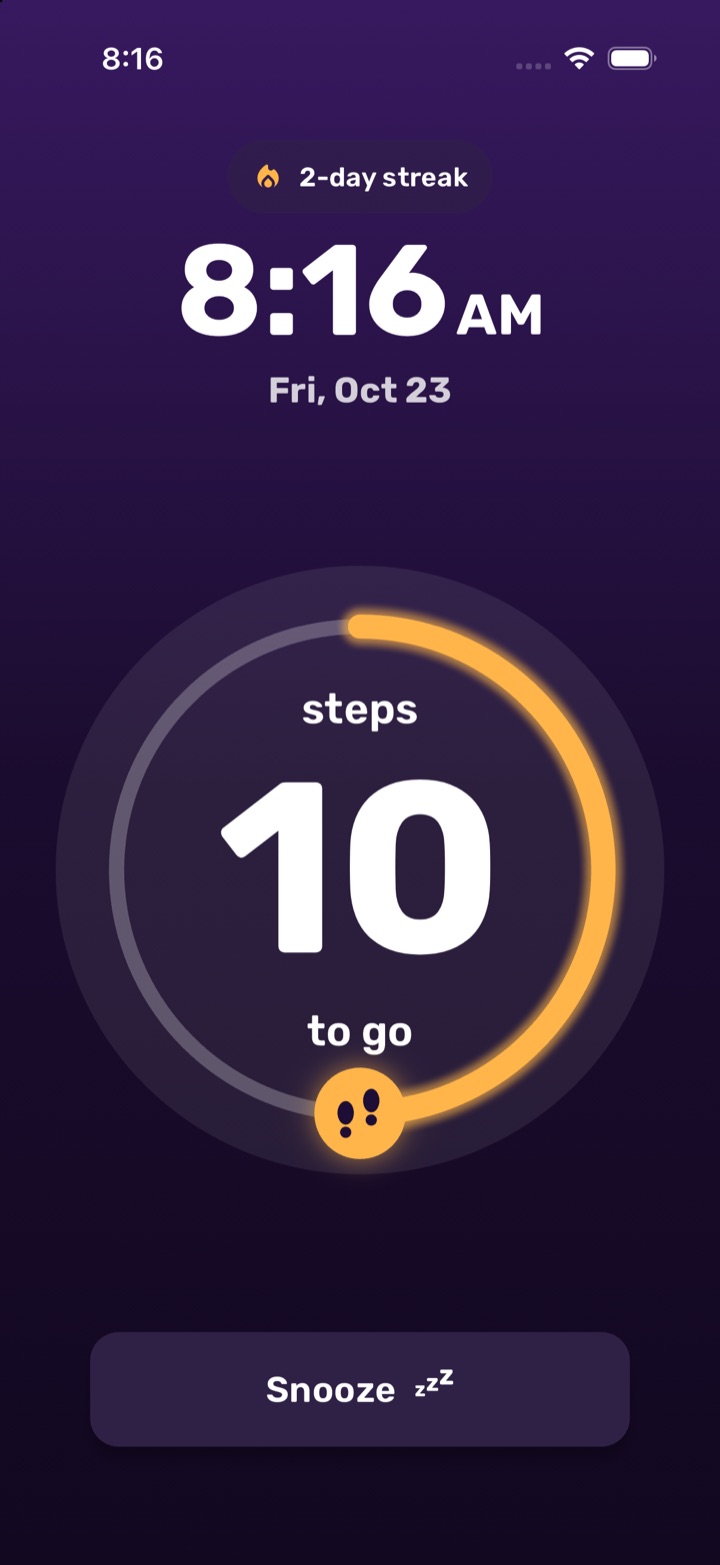
Walk it off.
This is what your morning looks like. Every step counts down the ring. Shaking the phone in bed doesn't count, and it costs you 10 more steps.
Press Space to step, S to shake.
Your alarm is ringing.
Three steps to a
real wake-up.
-
01
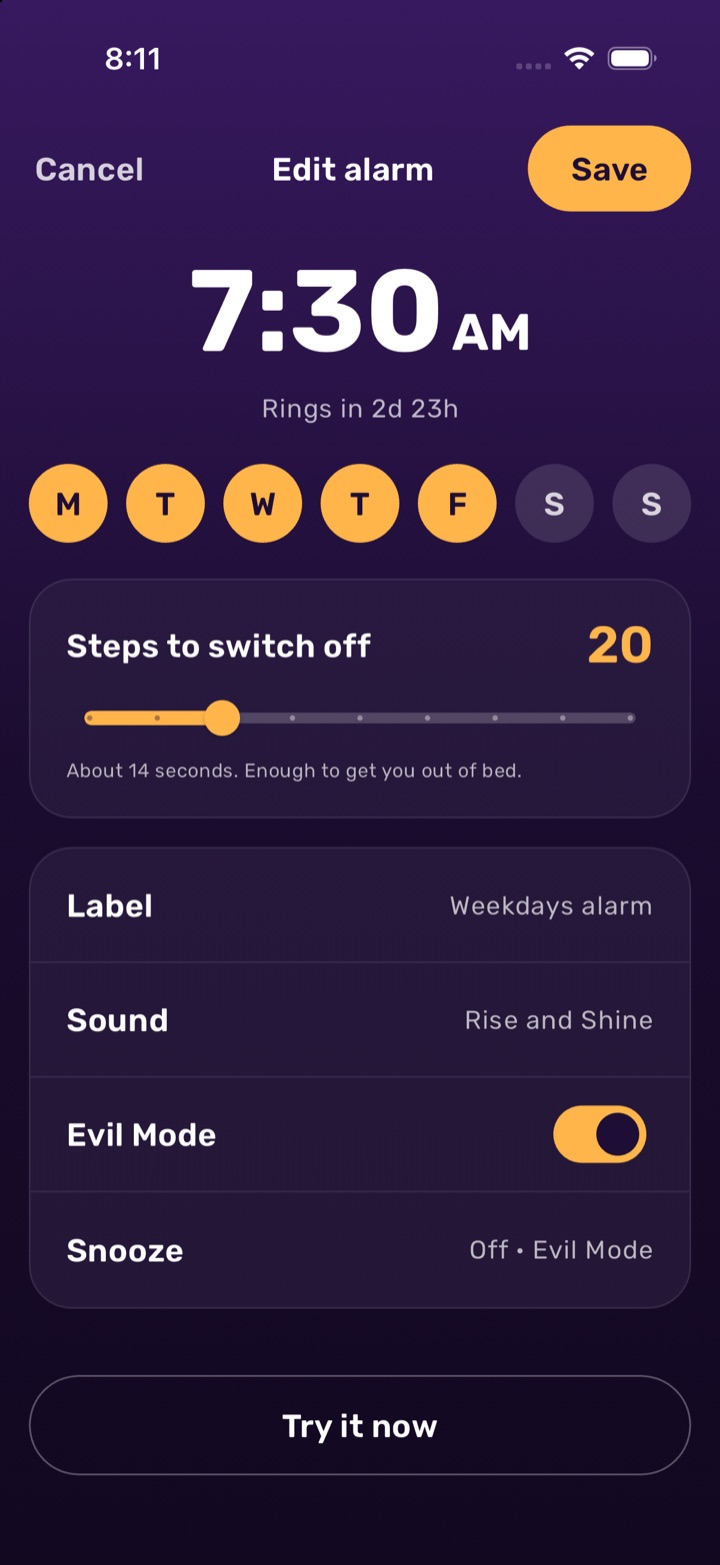
Set your alarm and pick your steps
Anywhere from 10 to 50. Twenty takes about 14 seconds, enough to get you out of bed.
-
02
When it rings, start walking
Phone in your hand or your pocket, any way up. The volume drops once you take your first step.
-
03
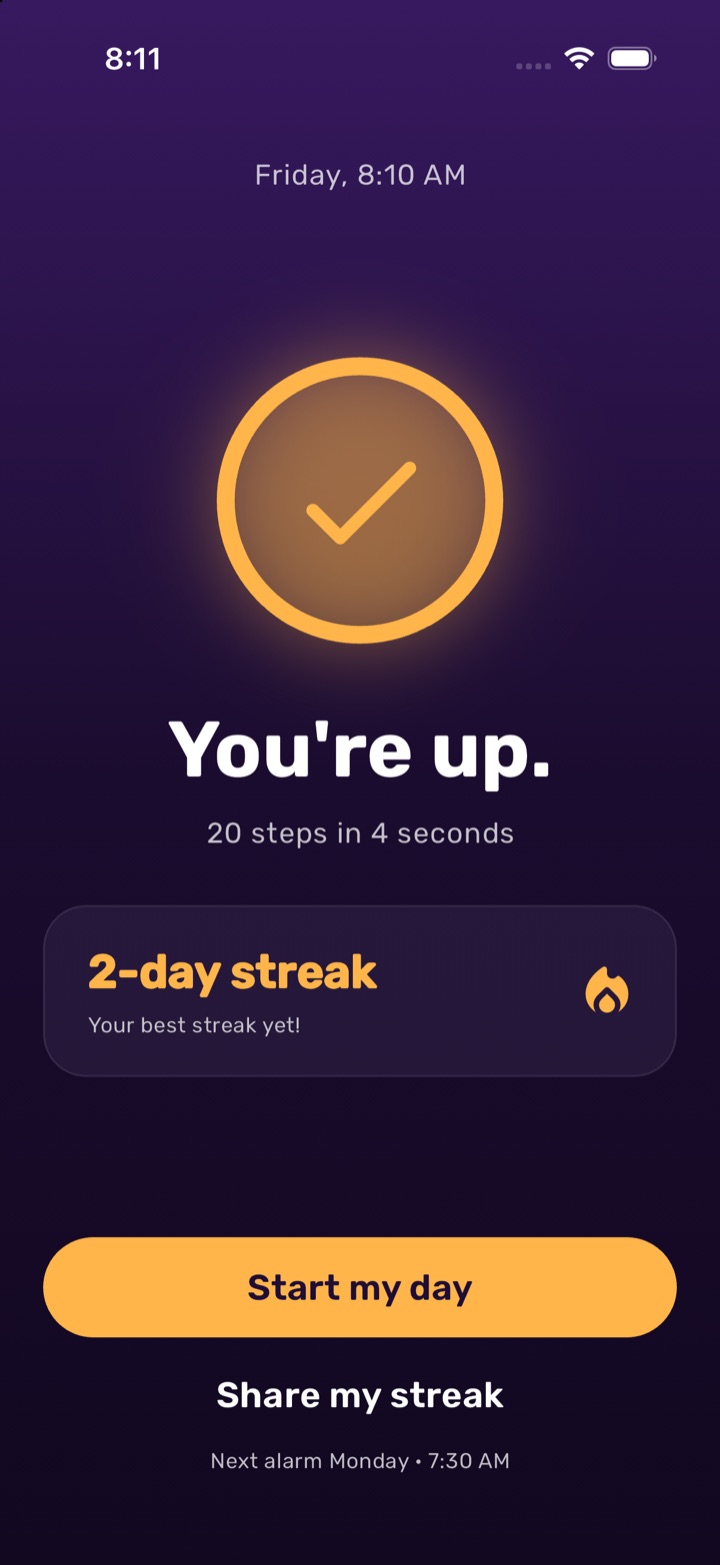
You're up. Keep the streak.
Every morning you walk it off counts toward your streak.
Built for people who snooze.
Everything a good alarm clock does, plus a few things that make it very hard to stay in bed.
Evil Mode
No snoozing at all. The snooze button only laughs at you.
ha ha haShake detection
Waving the phone around from under the covers adds steps instead of removing them.
+10 stepsQuiet once you're up
After your first step the alarm drops to a volume you choose, so finishing the walk isn't painful.
Voice announcements
Hear the steps left read out while you walk, without squinting at the screen.
Quick alarms
One tap for 10 min, 15 min, 30 min or 1 hr from now. They delete themselves after ringing.
Any schedule
Once, every day, chosen weekdays, specific dates or a date range. Rising volume and vibration too.
Mornings that add up.
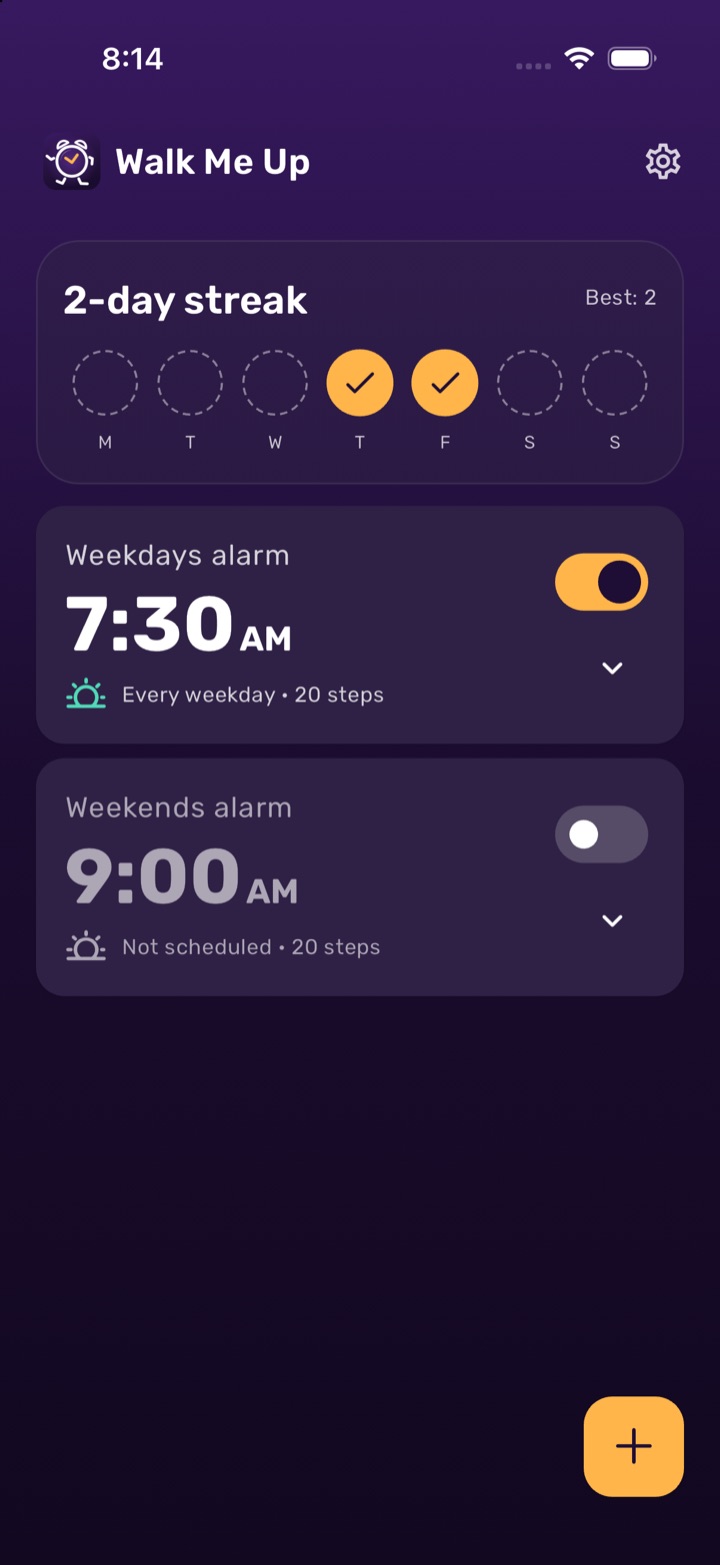
Each alarm you walk off fills in a day. Watch the week fill up, beat your best, and share it when you're proud of it.
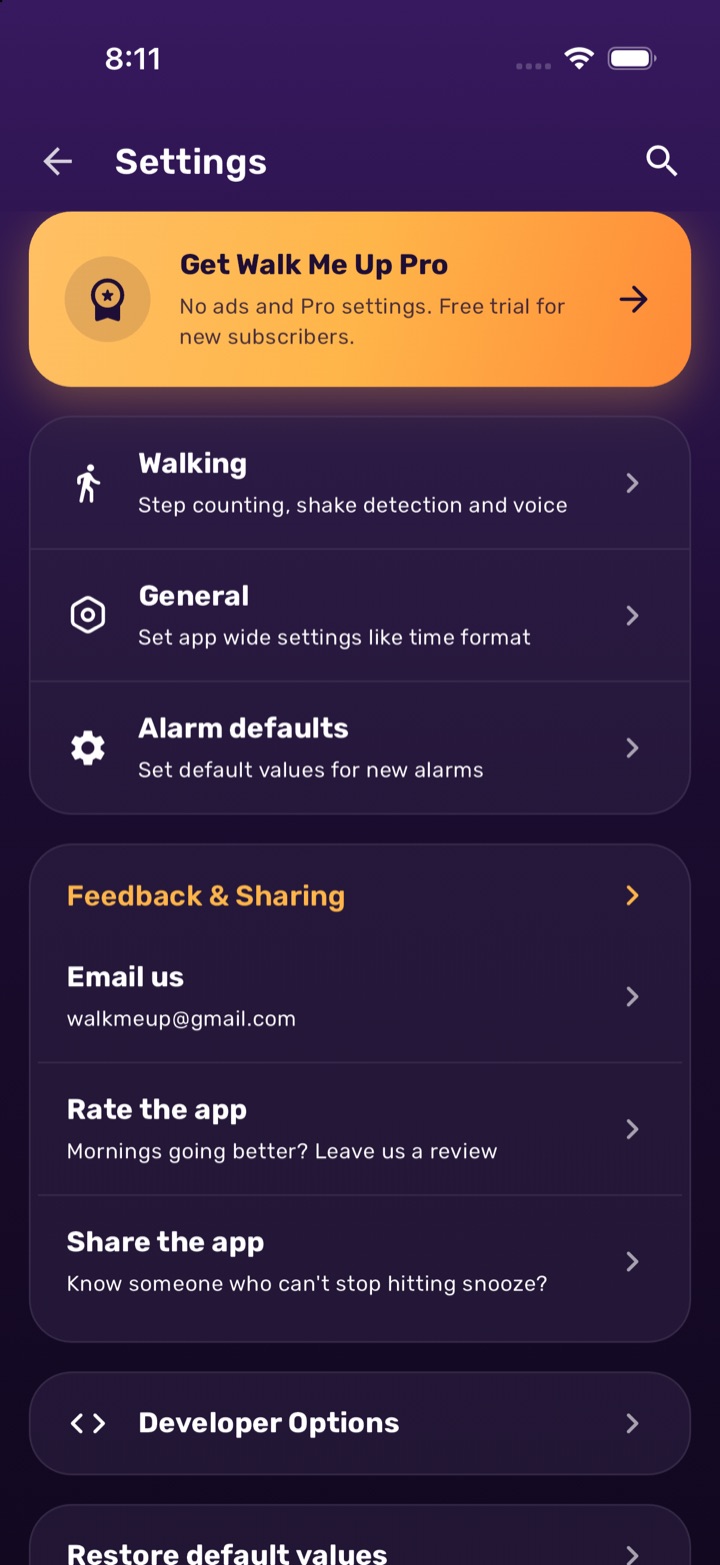
Free to use. Pro if you want more.
Walking to dismiss, streaks and every schedule are free. Pro removes ads and unlocks extra settings.
- No ads
- More snoozes
- Premium settings
Questions, answered.
How does it count my steps?
It uses your phone's motion sensor, the same way a step counter does. Hold the phone or keep it in your pocket, any way up. You can calibrate it in Settings by walking and shaking to see what gets counted.
Can I still snooze?
Yes, if you allow it for that alarm. You set the snooze length and how many times you can snooze. Turn on Evil Mode if you want no way out.
Does it work on iPhone?
Yes. On iOS 26 and later, Walk Me Up uses Apple's AlarmKit, so the alarm rings like the built-in Clock app, even on silent. Tap "Walk to stop" and walk it off in the app.
What if my phone has no motion sensor?
The walk screen shows a Skip button instead, so you can always turn the alarm off.
Is my data private?
Steps are counted on your phone and never leave it. Your alarms are stored only on your device. Anonymous usage analytics help improve the app, and you can turn them off under Settings › General. Read the full privacy policy.
Tomorrow, get up.
Set your first alarm tonight. Your future self will be annoyed for about 14 seconds.